
OPTION 1
Reset via Email Link
Use the “Set Your New Password” email.
You can reset via email link, or change it from your account dashboard. Choose a method below.
Use the “Set Your New Password” email.
Update password in Account Details.
Simple rules to stay secure.
Open your registered email inbox and locate the message from TEERA.AI titled “Set Your New Password.”
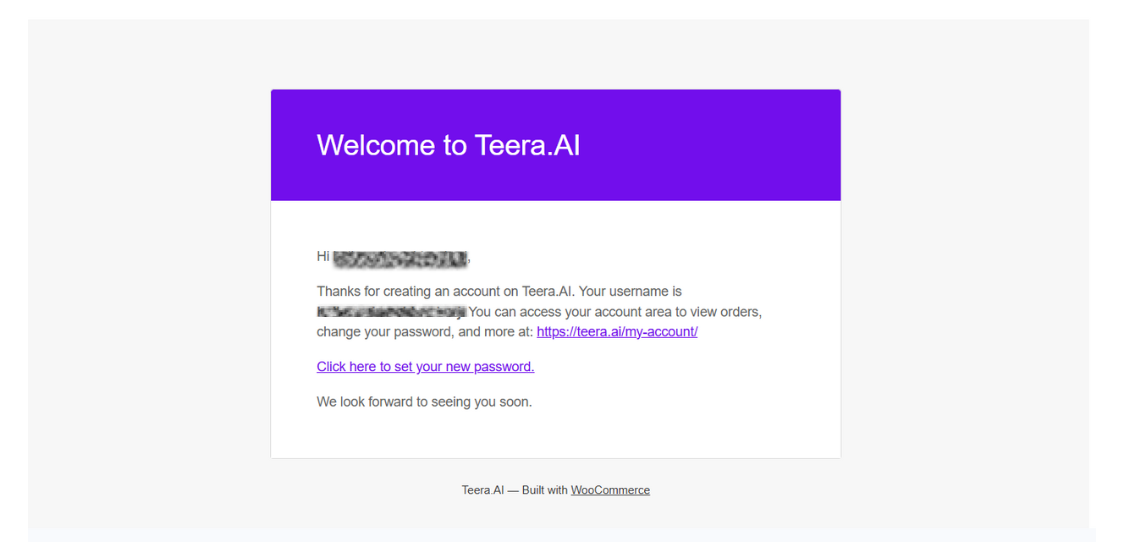
Click the link that says “Click here to set your new password.”
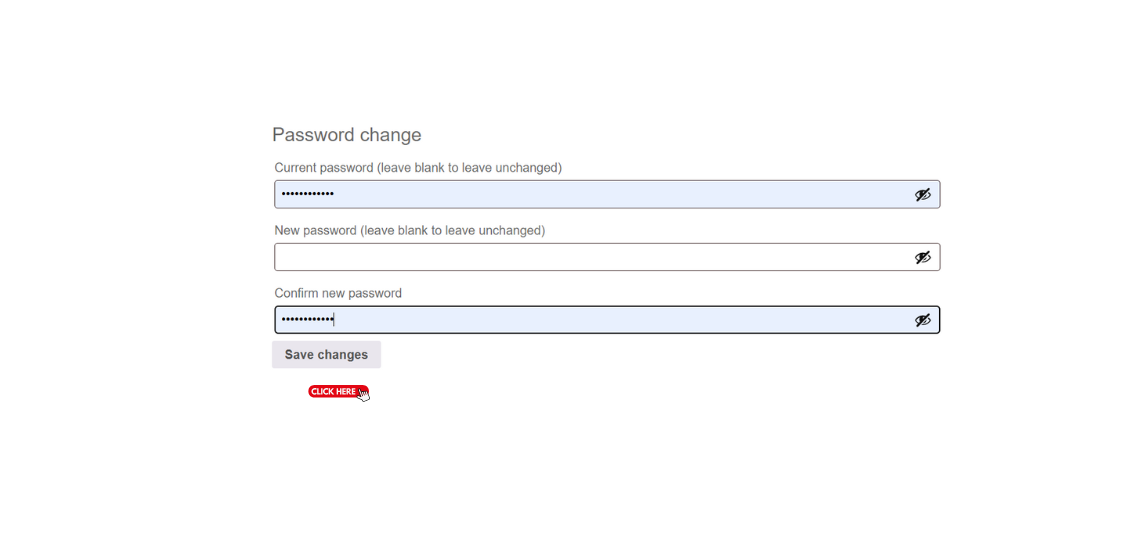
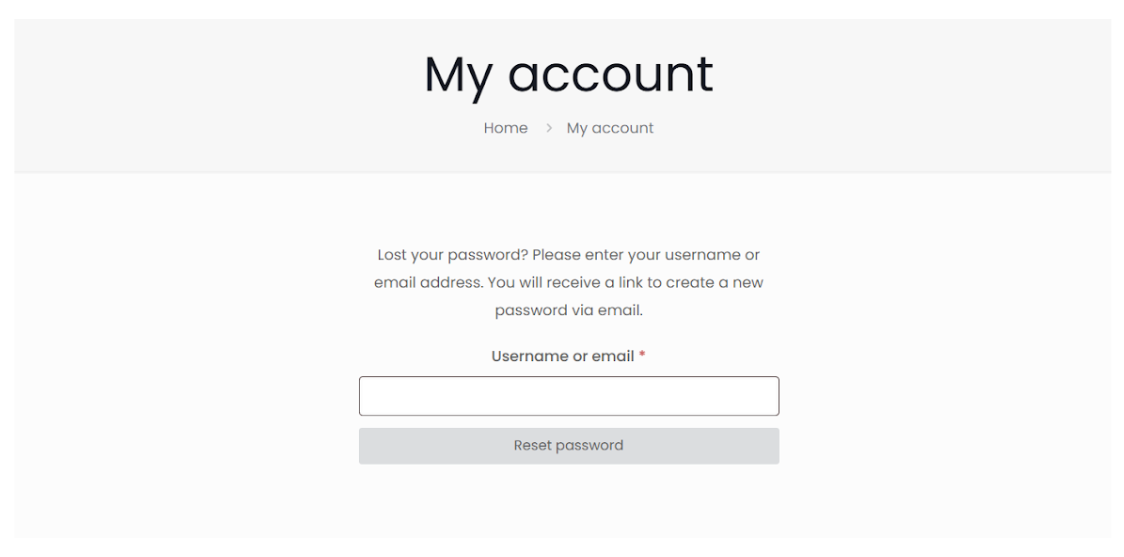
You’ll be redirected to TEERA.AI’s secure password reset page.
Enter your new password, confirm it, then click Save password.
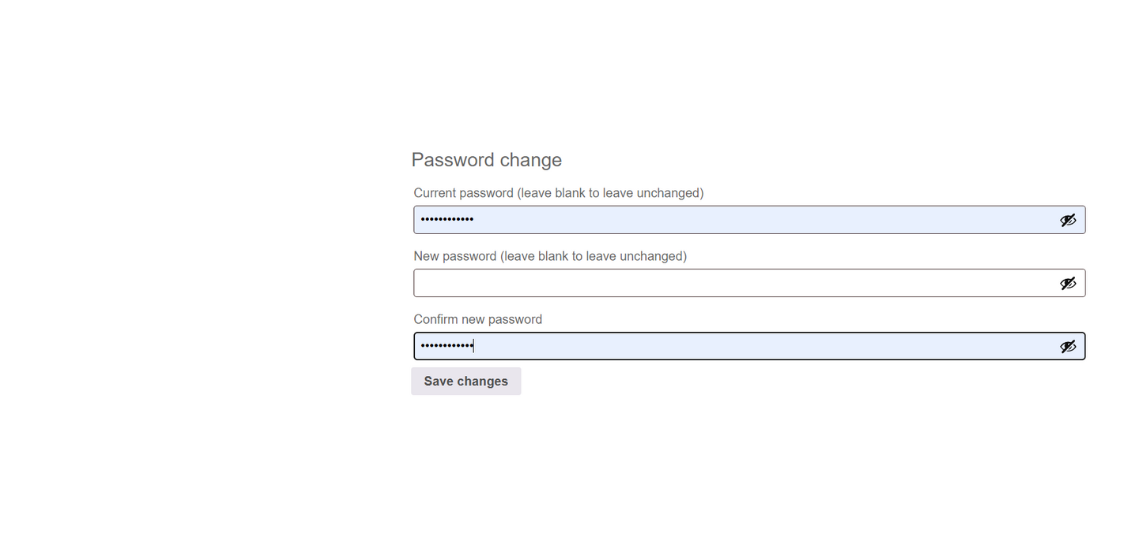
Your password has been updated. Log in using your new credentials.
Go to My Account and log in with your current credentials.
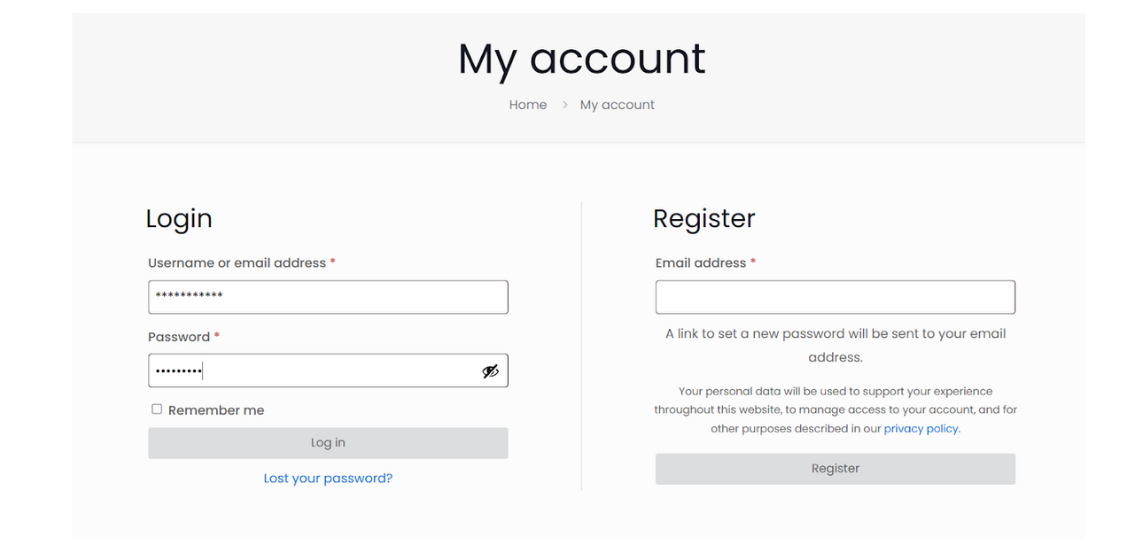
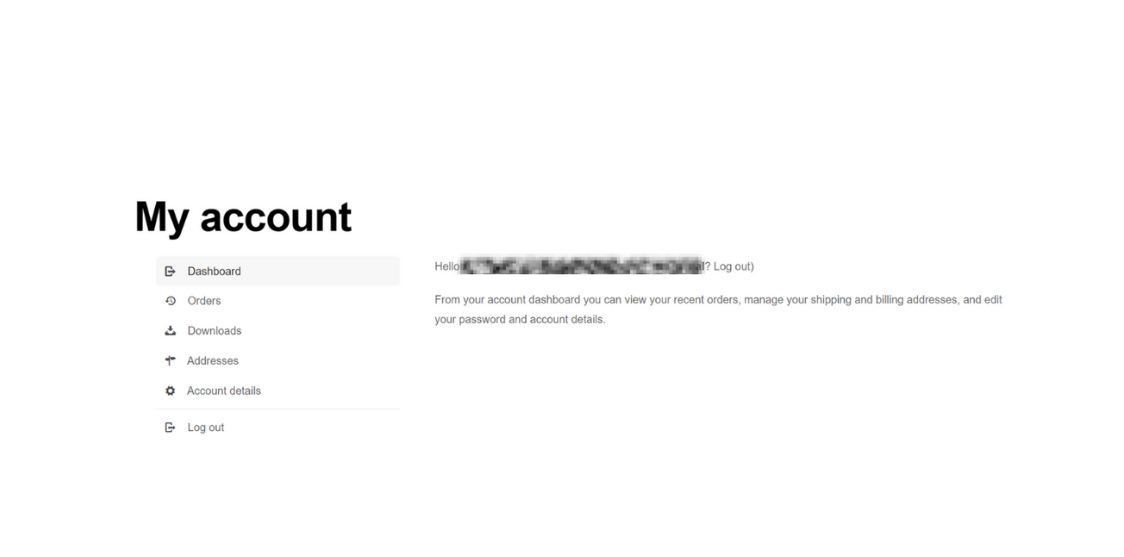
Click Account Details in the left-hand navigation panel.
Scroll to the Password Change section.
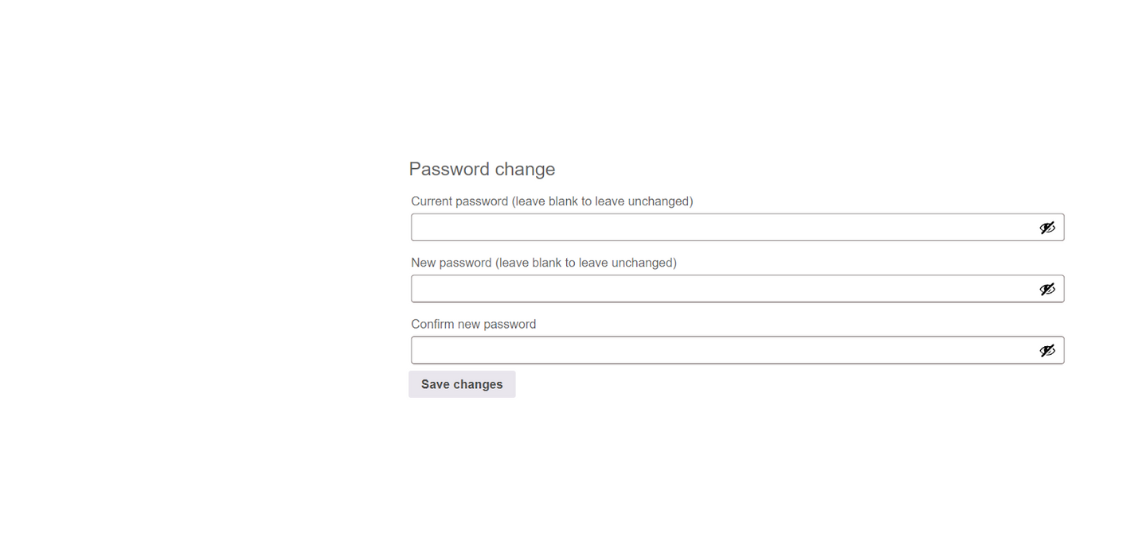
Enter your current password, then your new password and confirm new password.
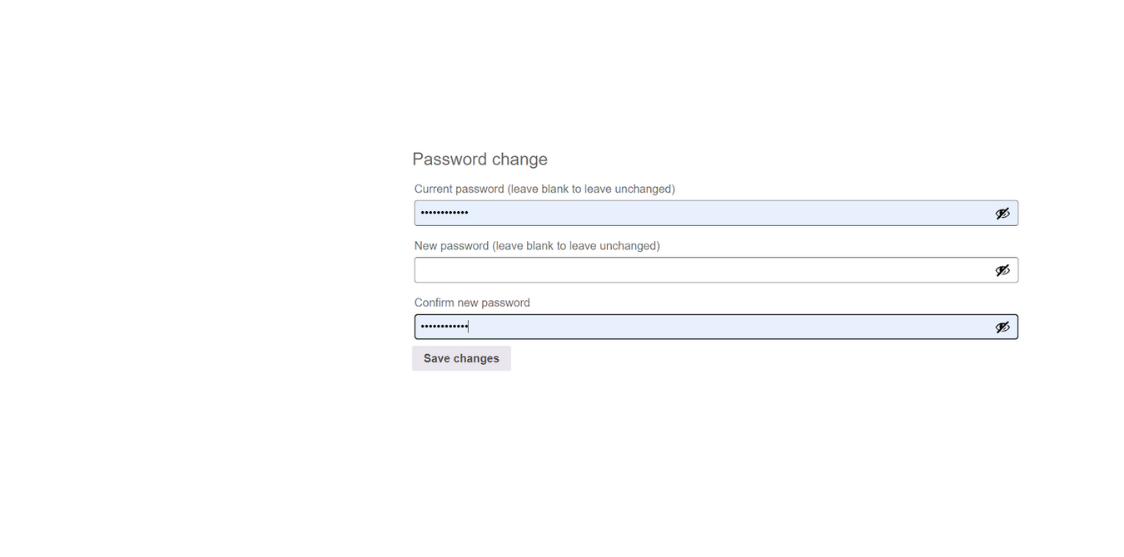
Click Save Changes.
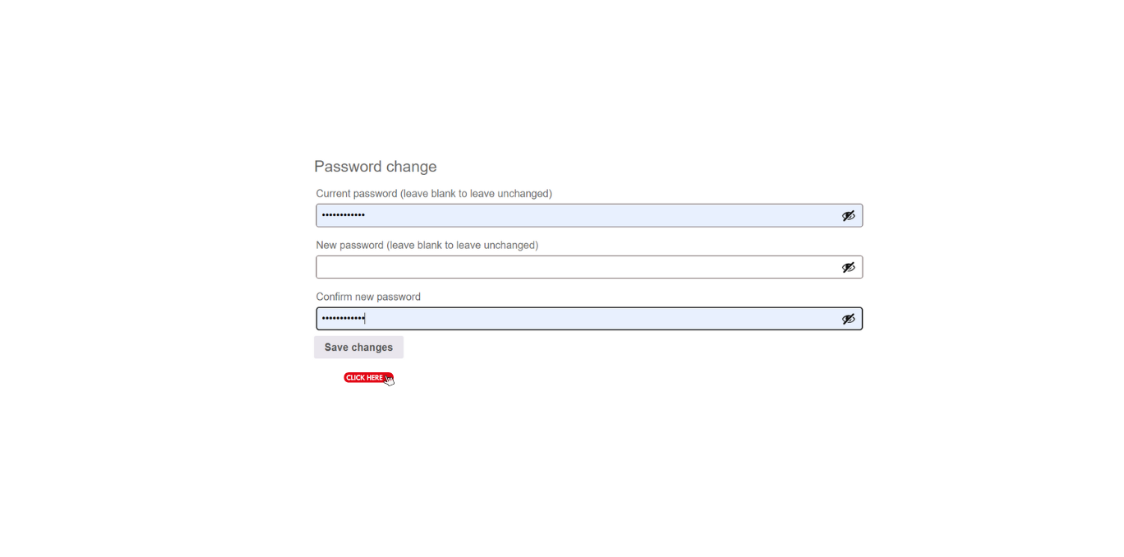
Your password will be securely updated. Continue using your TEERA.AI account as usual.

Use at least 8 characters with a mix of letters, numbers, and symbols.
Avoid reusing old passwords or easily guessable information.
Update your password periodically for enhanced security.