Register Your Account
Register your Teera Account
Need the first email registration
Follow this simple step-by-step guide to register, subscribe to a plan, complete payment, and activate your TEERA.AI account.
Need the first email registration
Need to proceed until payment done
Login using your Teera App login details
Start with a free registration, then choose a plan and complete checkout. After payment, you can access your subscription inside the TEERA app.
Open your browser and go to teera.ai .

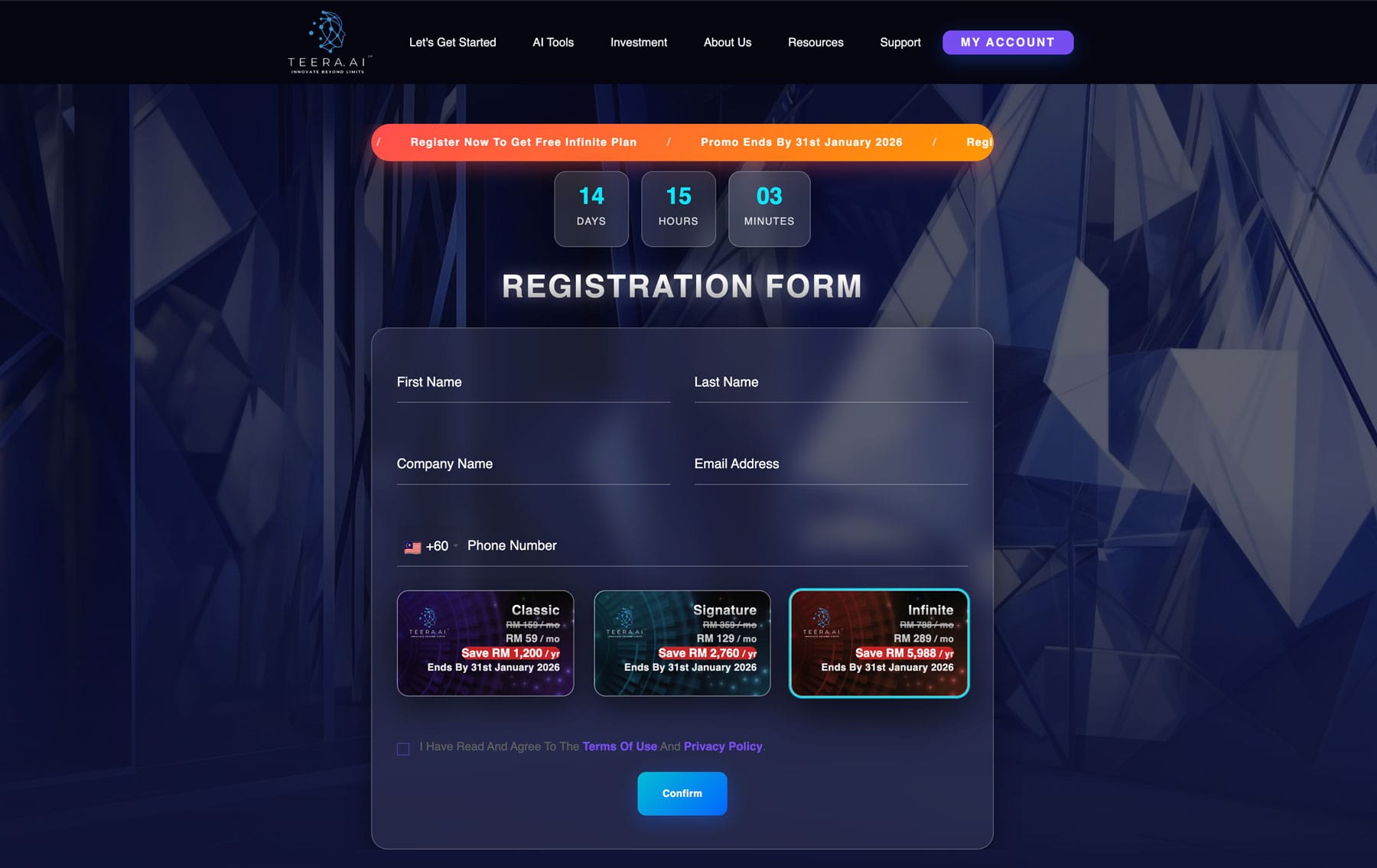
In the header (top-right), click TRY TEERA.AI FOR FREE ( https://teera.ai/teera-register/ ).

Fill in your details, read the Terms of Use and Privacy Policy, then tick the agreement checkbox and click the confirmation button.
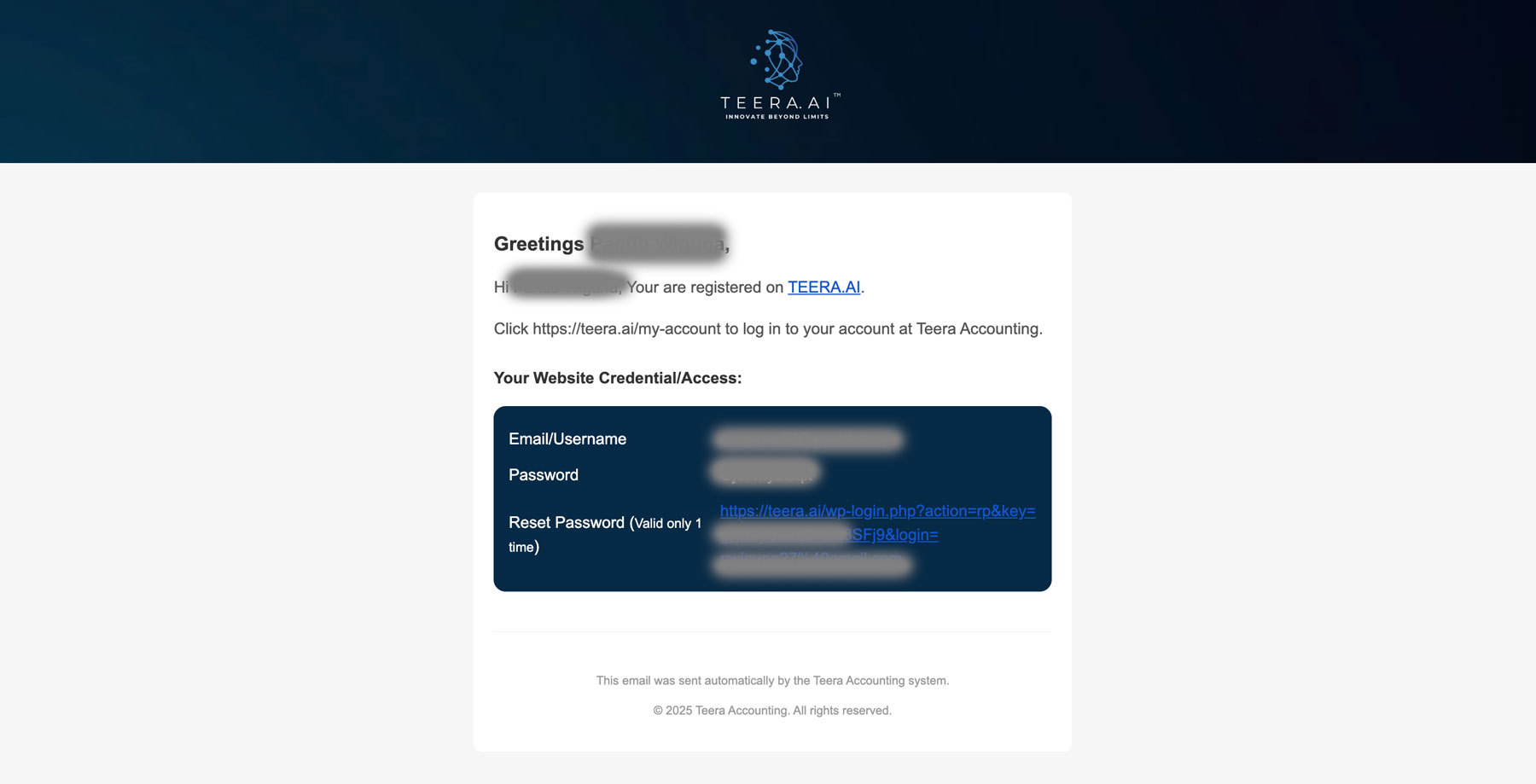
You will receive an email of Website Account Registration containing your username and password.
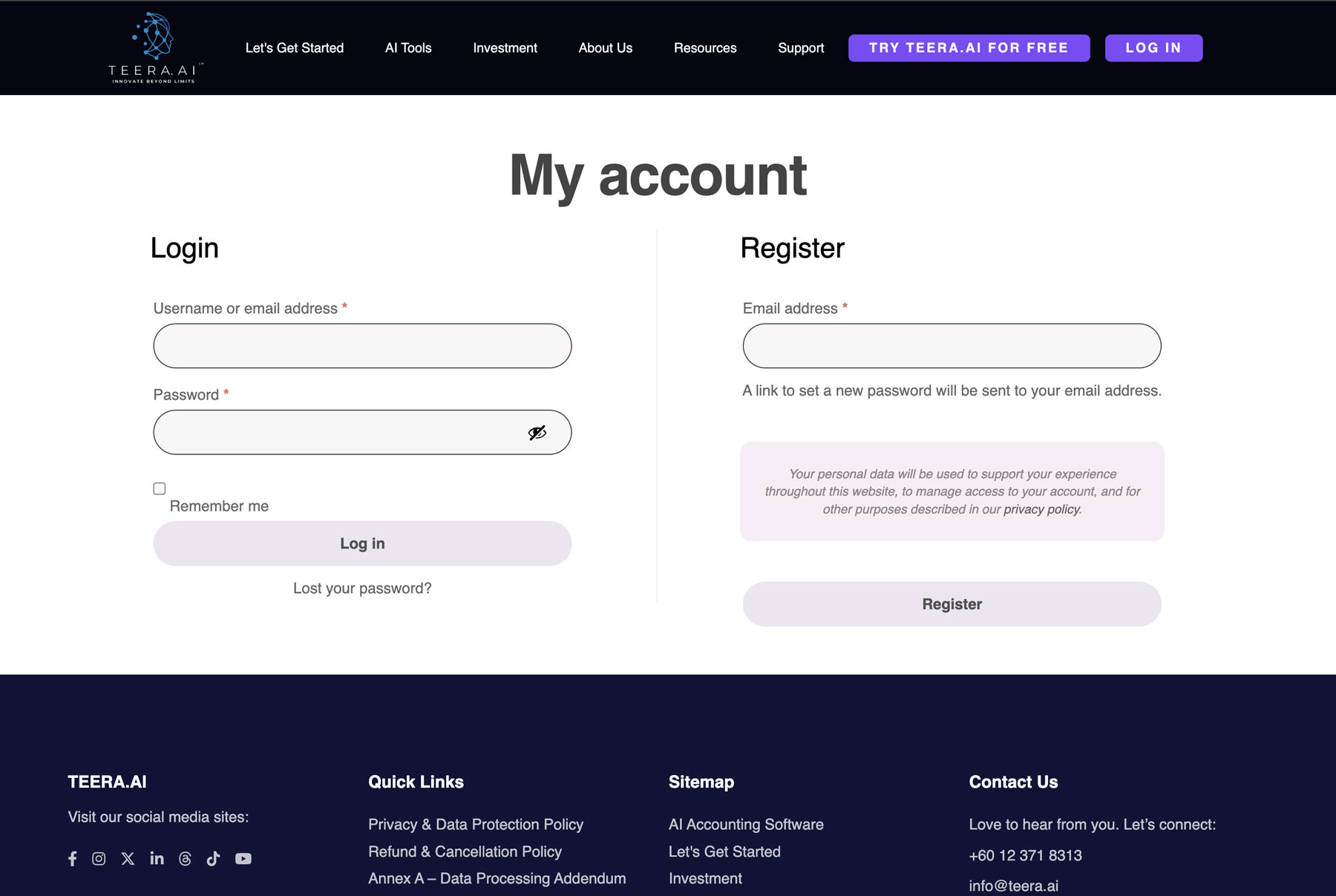
Return to teera.ai and click the Login button (top-right).

Enter your email/username and password, then click Login.
After logging in, go to teera.ai , scroll down to the plan section, and choose your preferred plan. Then click the button below the selected plan.

You will be redirected to the cart page. Click Add to cart.
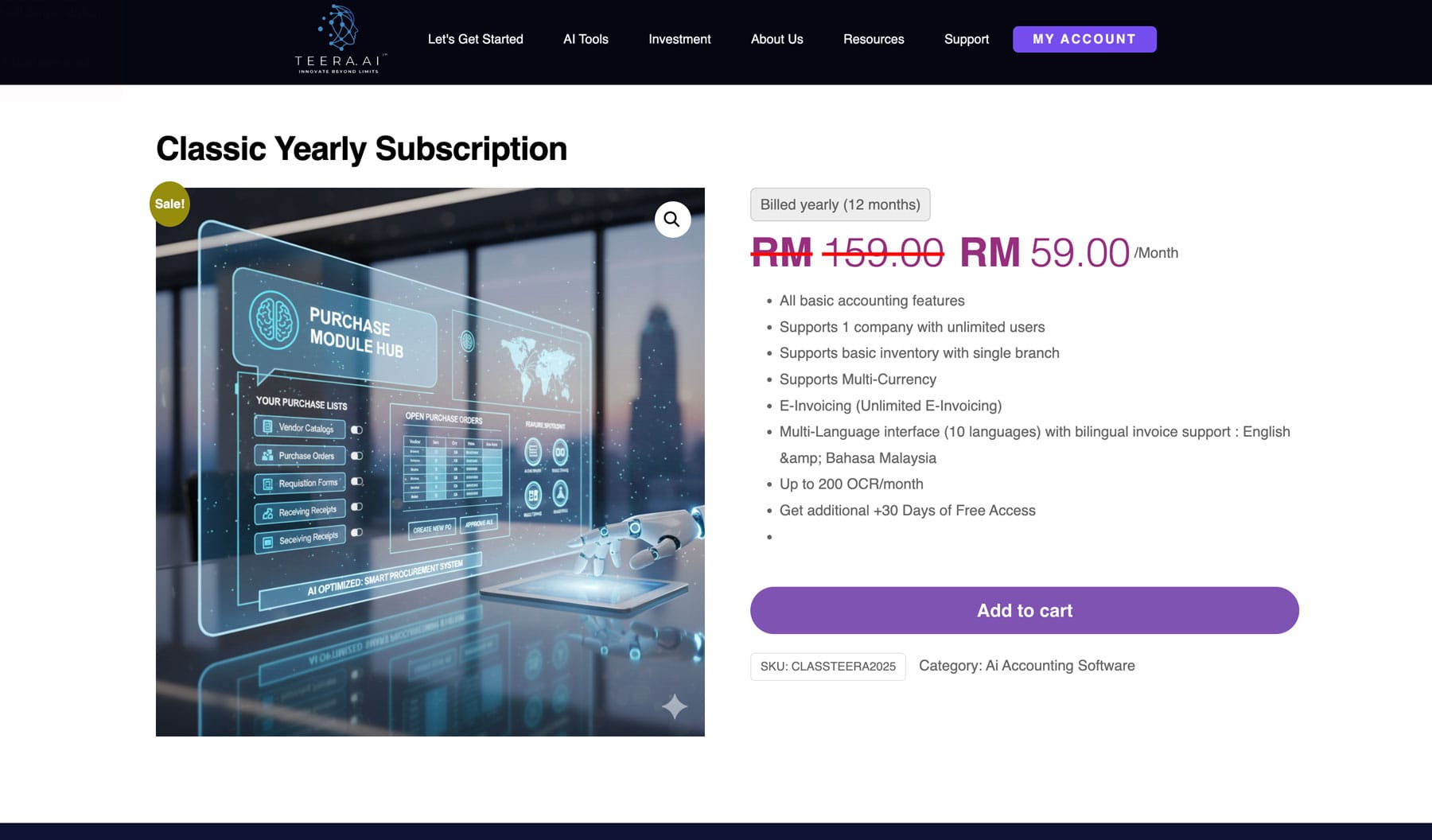
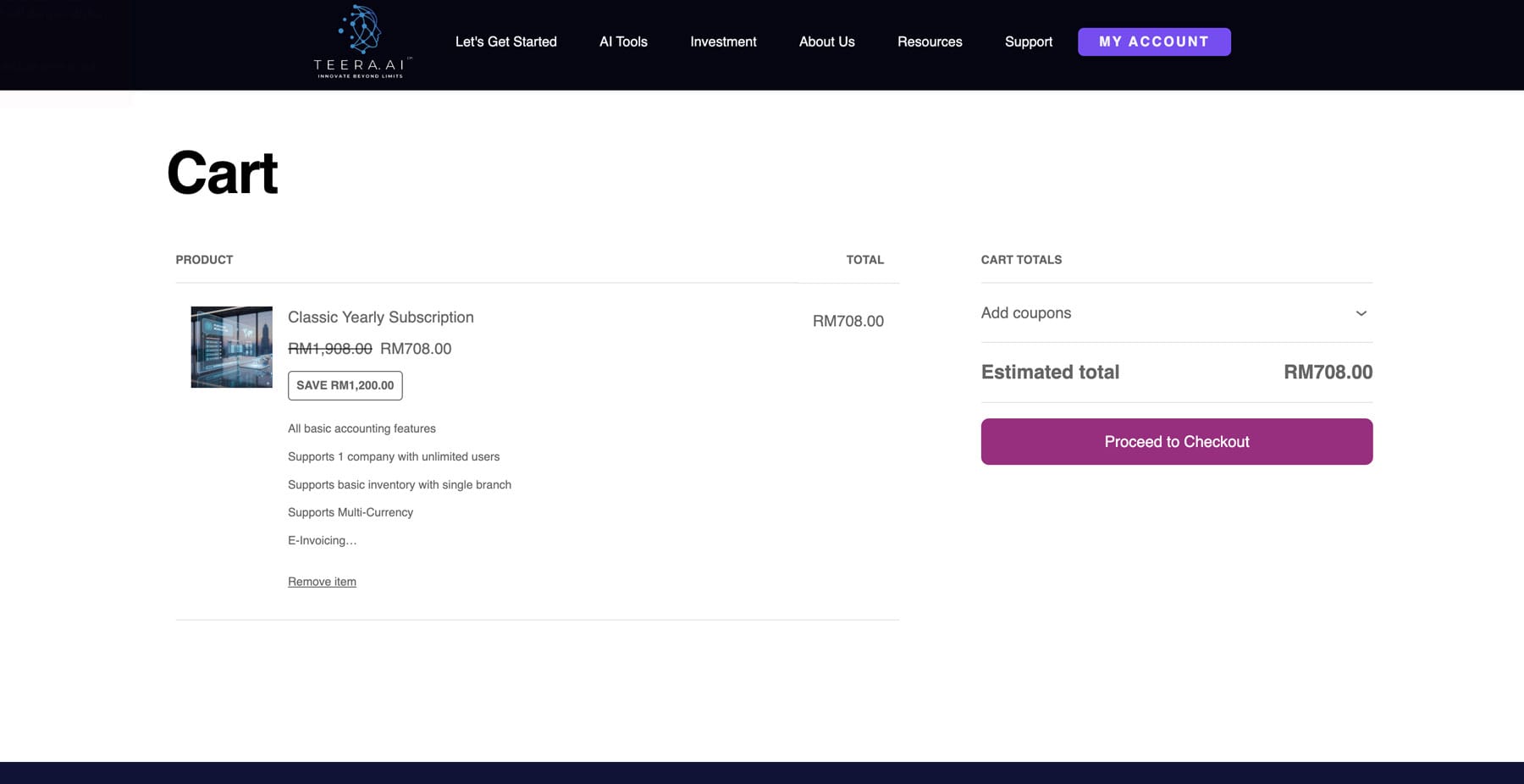
Review the plan and price, then click Proceed Checkout.
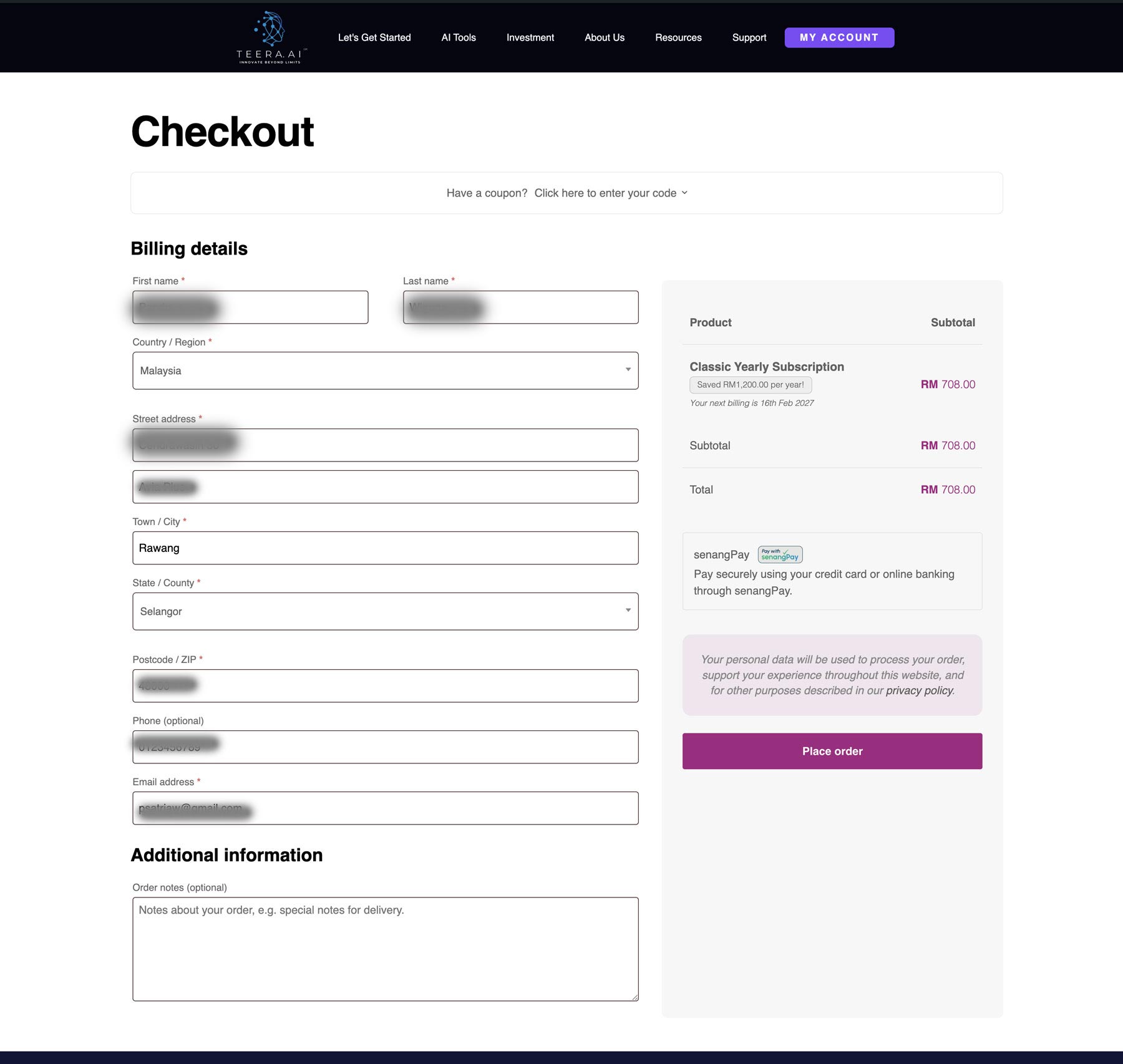
Complete the checkout form, then click Place order.
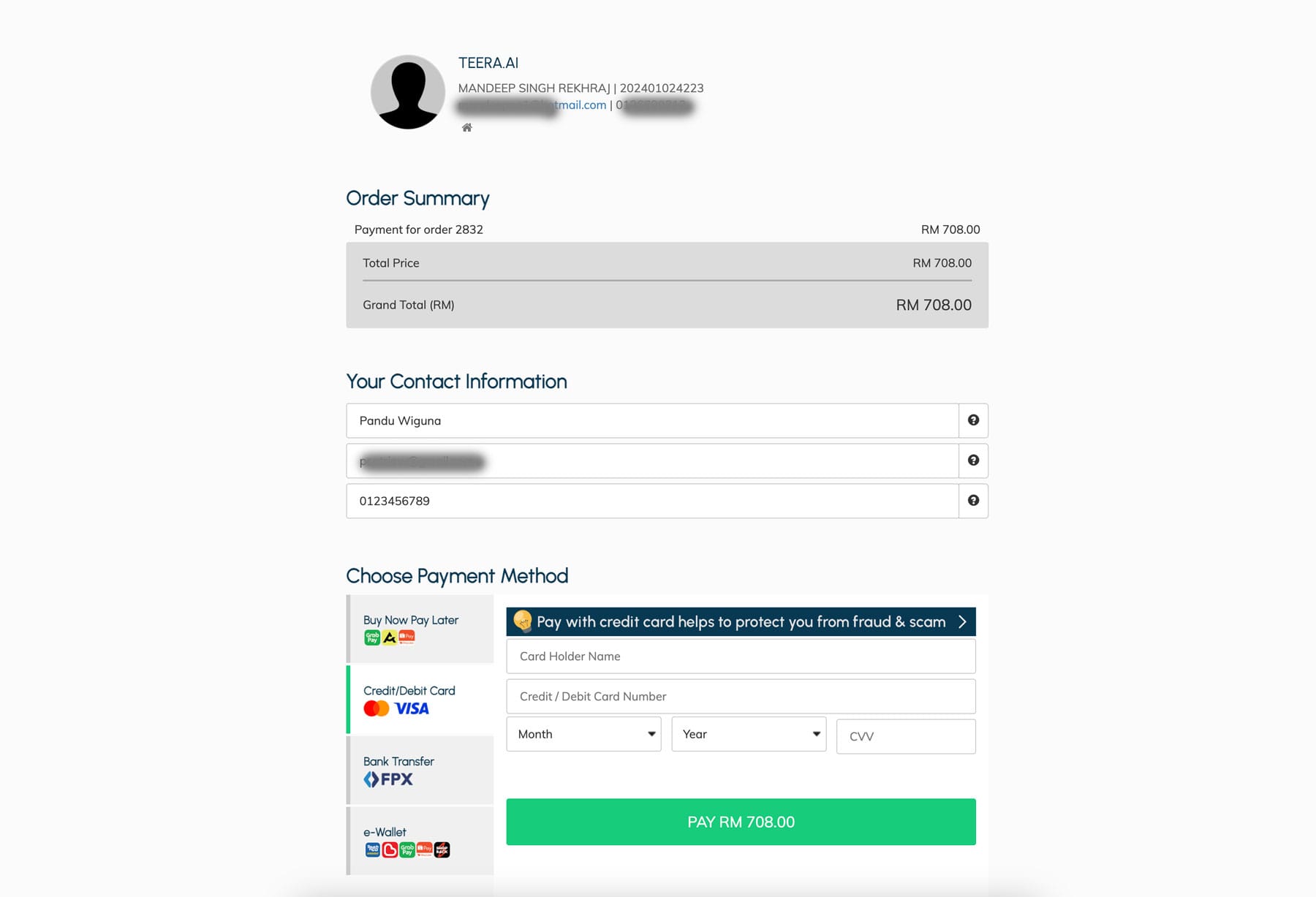
You will see the order summary and payment section. Fill in your payment details and click Pay.
After payment, wait for the confirmation notification.
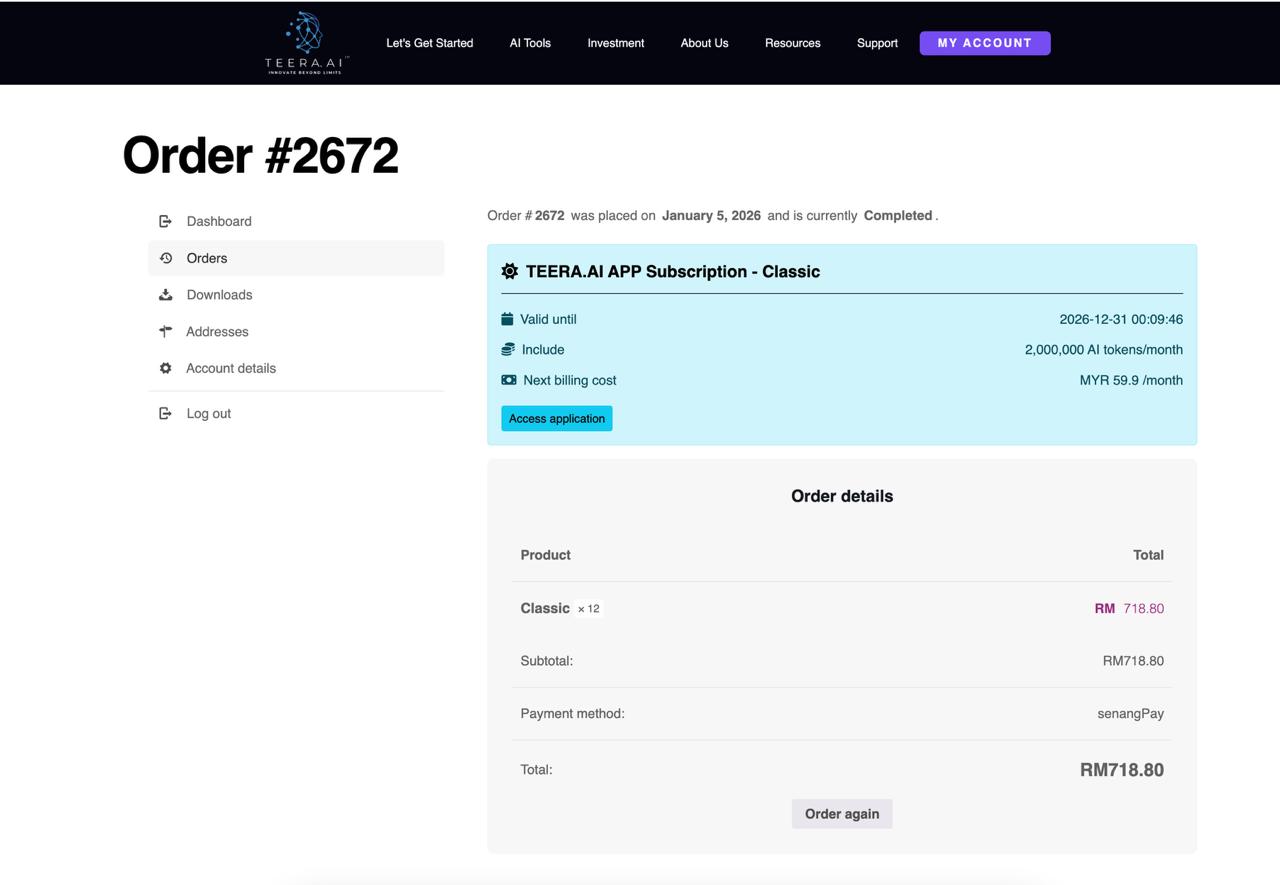
Go to My Account → from the left menu click Orders. To see full purchase details
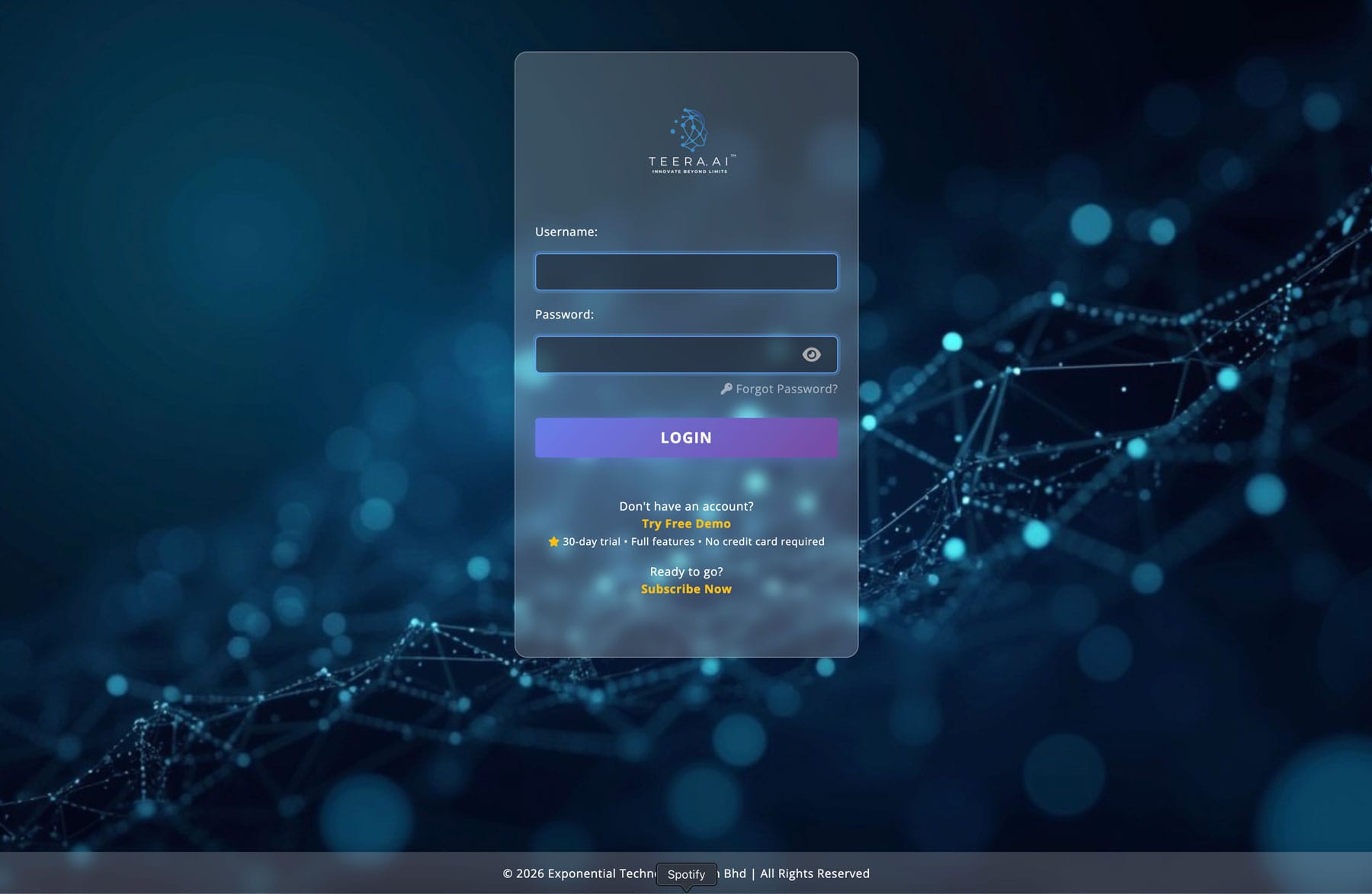
Go to app.teera.ai, enter your credentials, and click Login.
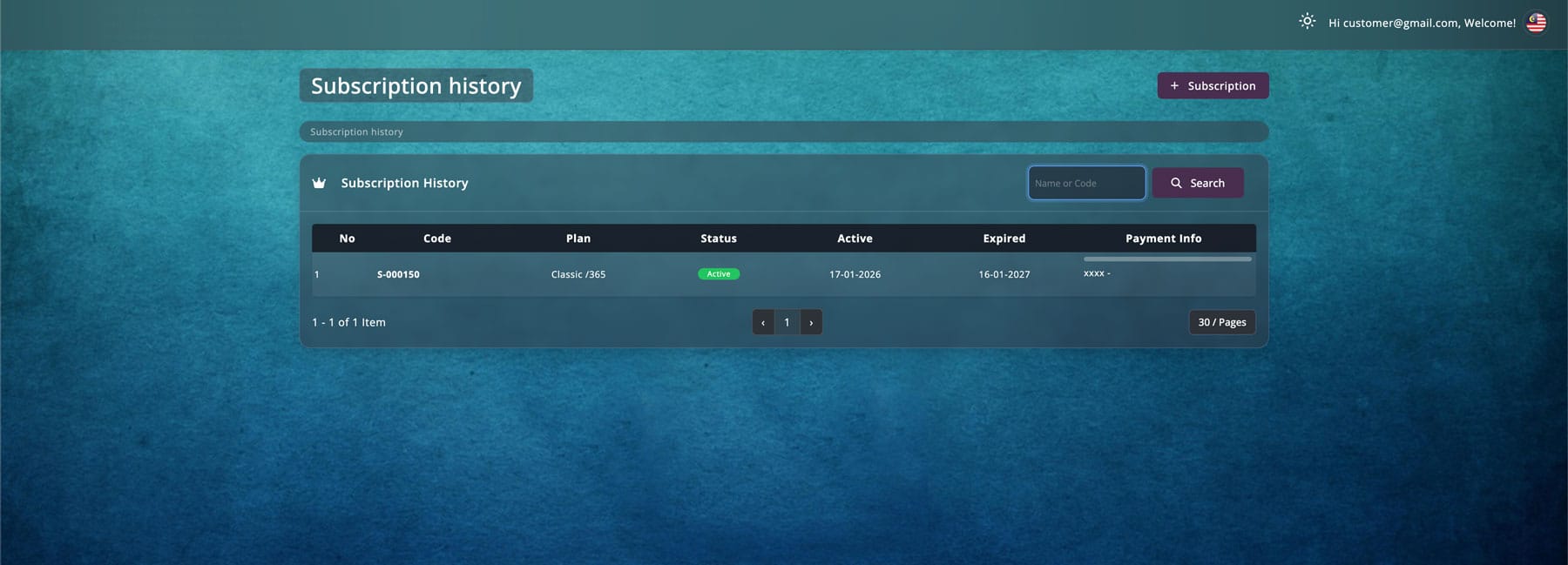
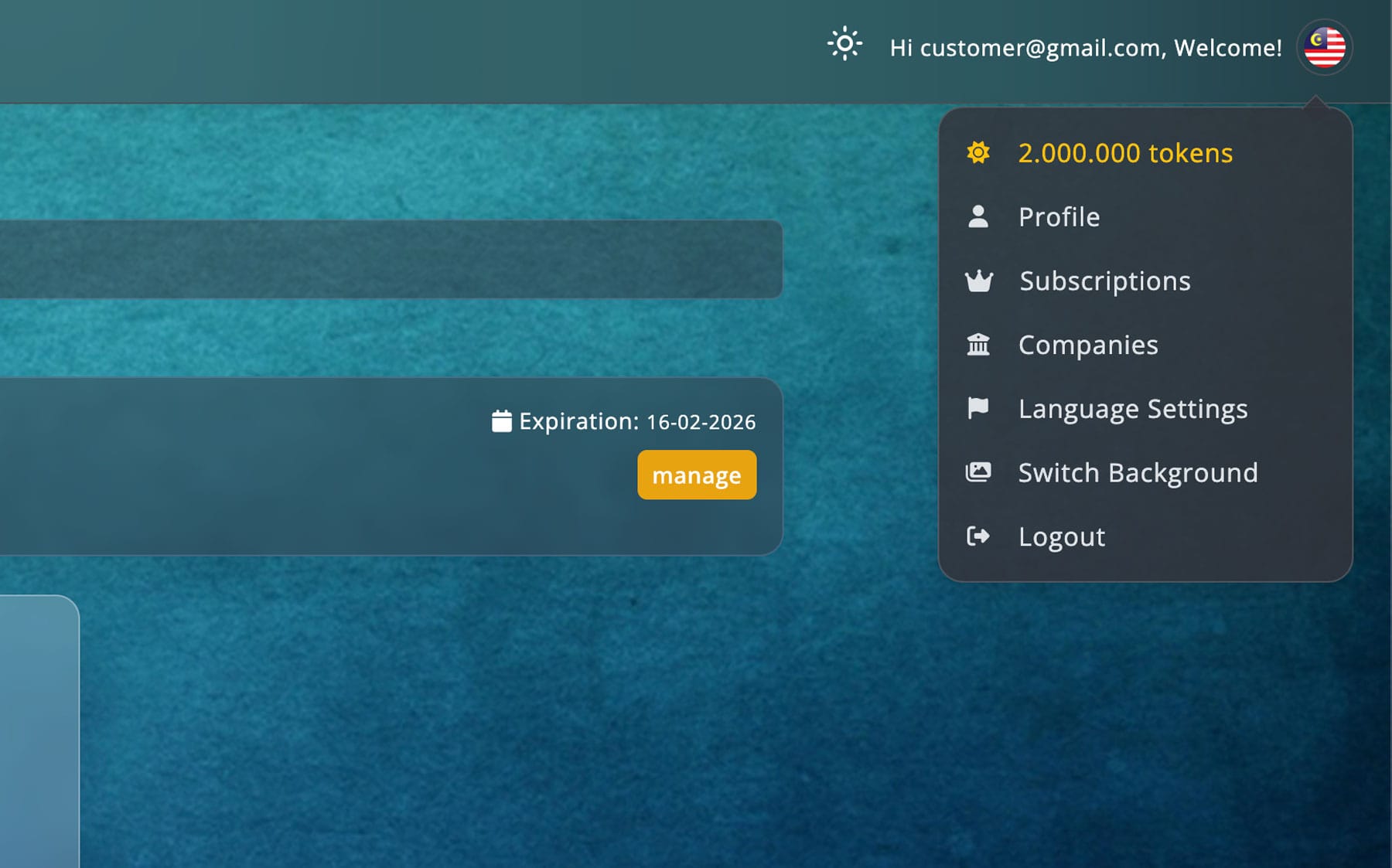
After logging in, click the flag icon (top-right) → go to Subscriptions to view the plan you subscribed to.
All set — you’re ready to use TEERA.AI.