
STEP 1
Visit the Website
Open your browser and go to https://teera.ai to access the TEERA.AI homepage.

Follow these simple steps to create and access your free TEERA.AI account.
Open your browser and go to https://teera.ai to access the TEERA.AI homepage.
Click “Try TEERA.AI for Free” (top-right) and complete the registration form.
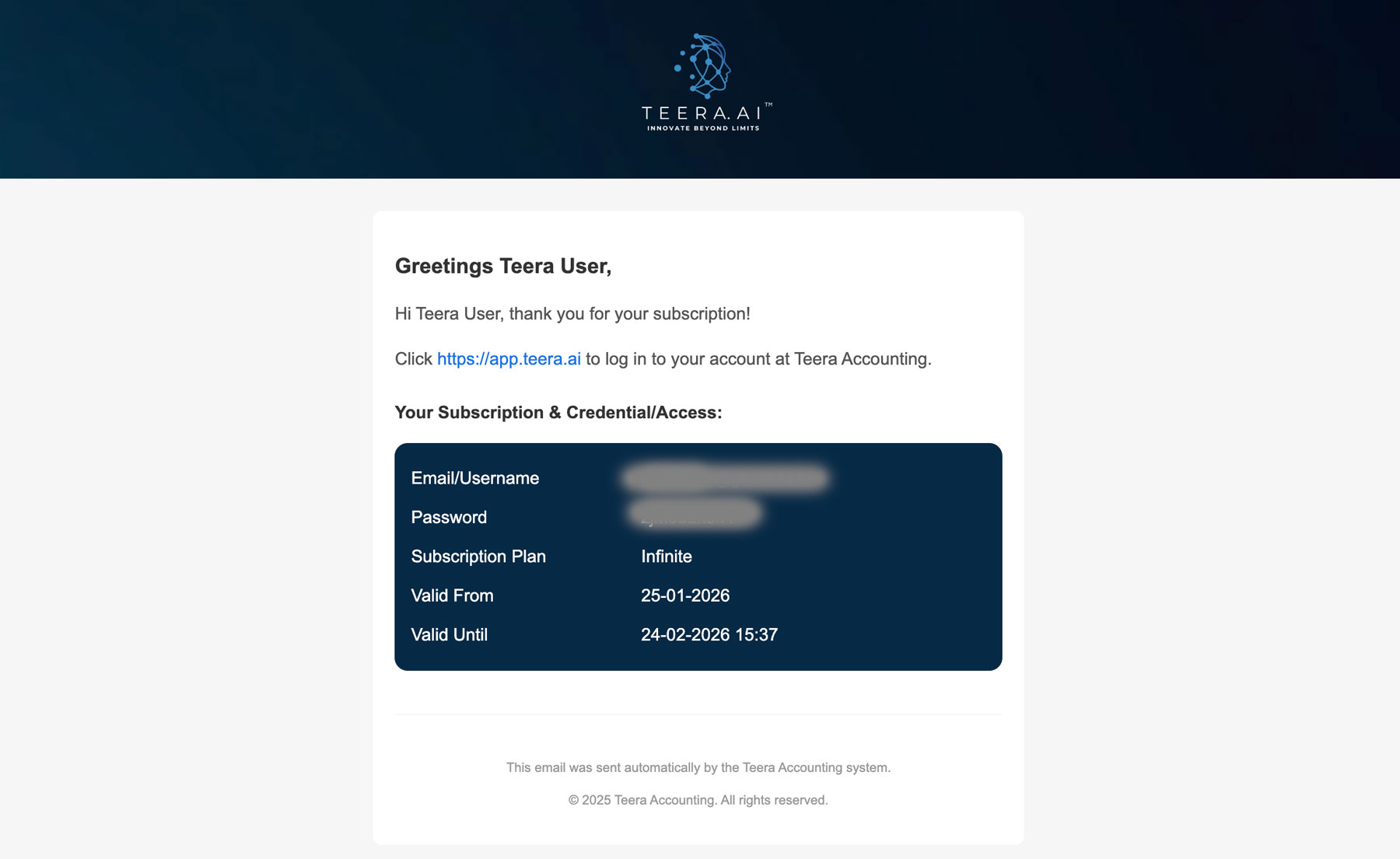
Look for an email from Teera Accounting with your login credentials and link.
Go to https://app.teera.ai and sign in using your email/username and password.
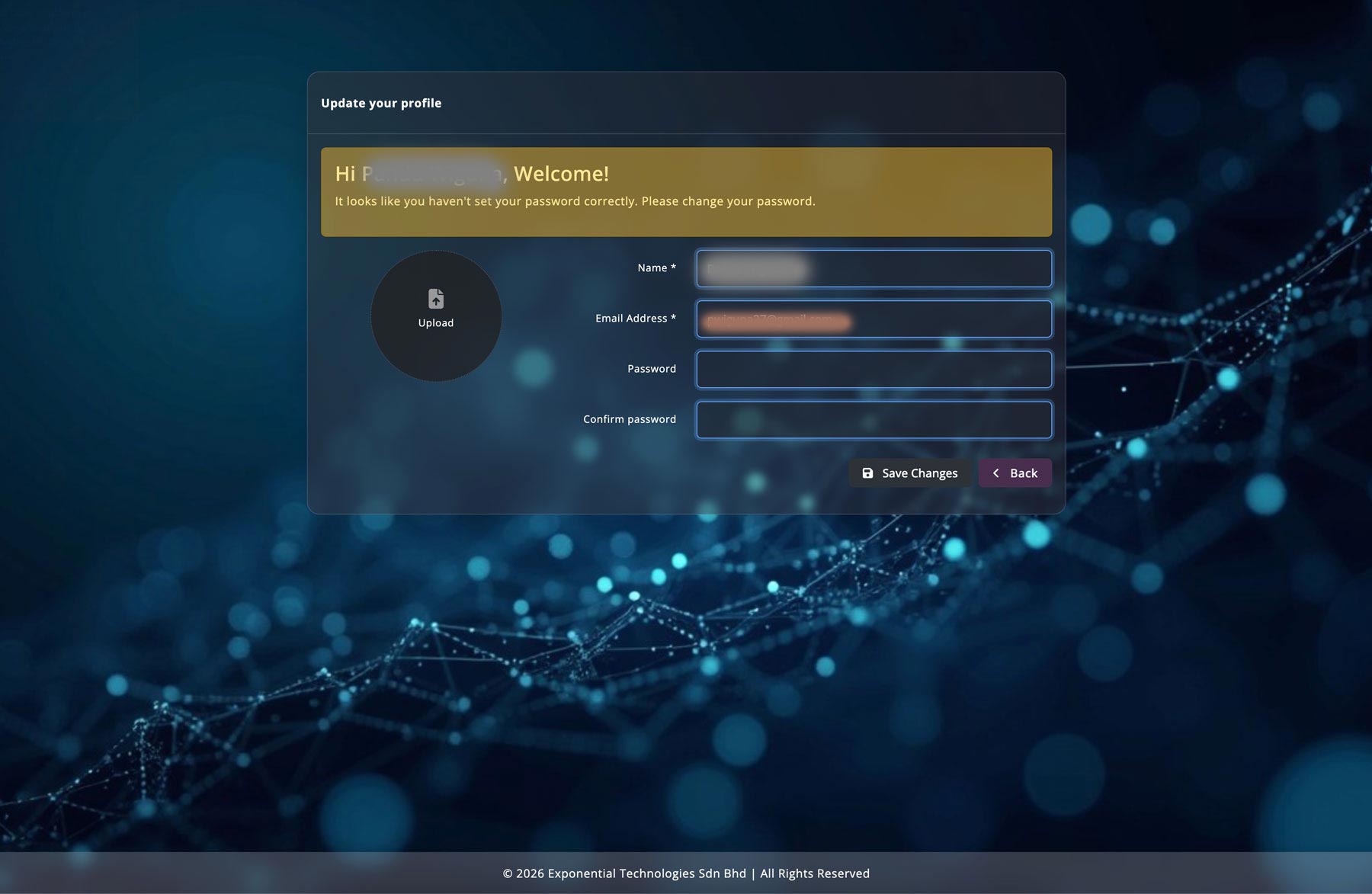
Update your profile: reset password and upload your company logo to finish setup.
Open your web browser and type https://teera.ai in the address bar, then press Enter. You will be redirected to the TEERA.AI homepage.

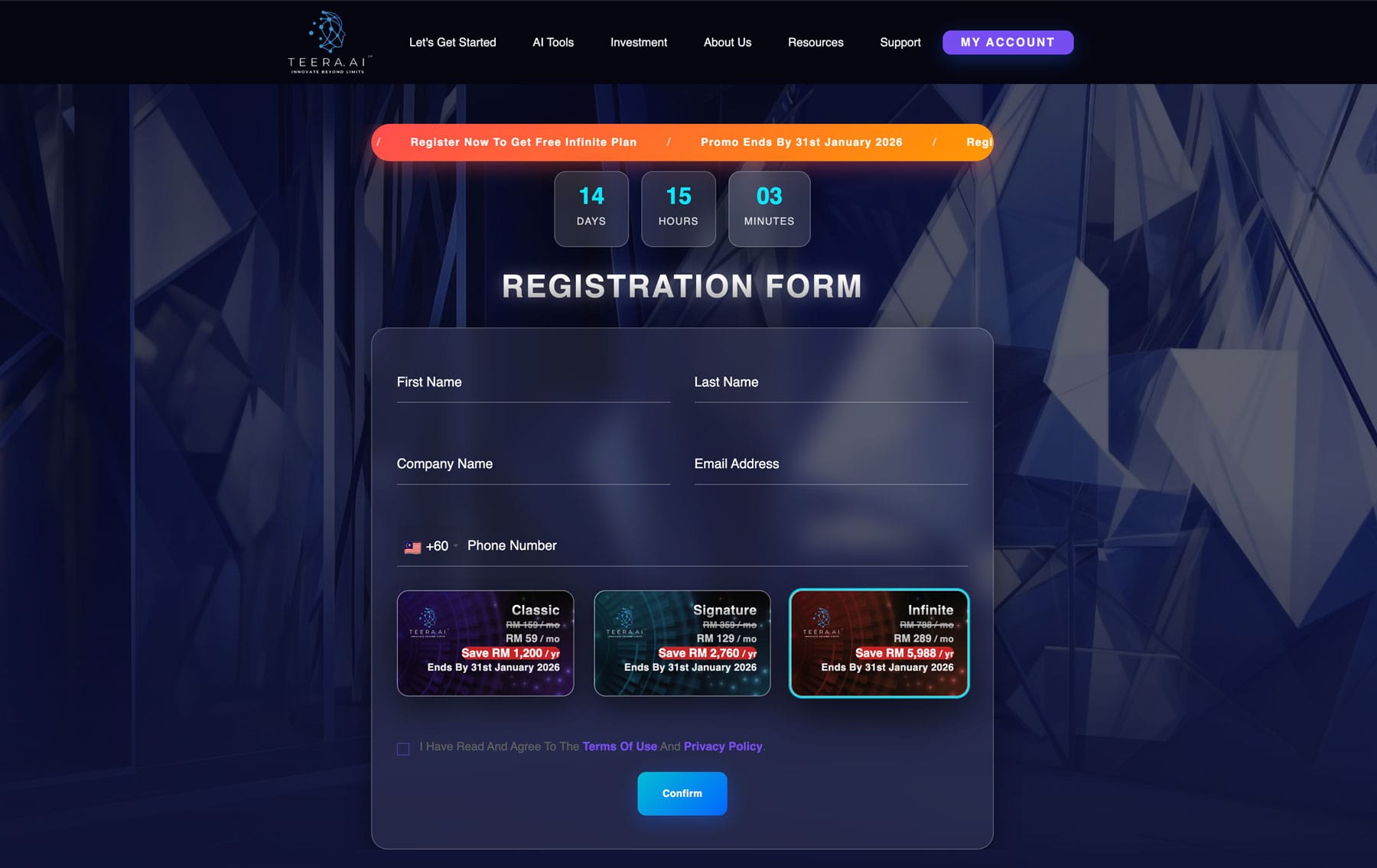
On the homepage header (top-right corner), click the button labeled “Try TEERA.AI for Free”. You will be redirected to the registration page: https://teera.ai/teera-register

Fill out the registration form with the following details:
During registration, you will be enrolled under the Infinite Plan (Free Trial). Before submitting, review the Terms & Conditions and Privacy Policy, then tick the checkbox to confirm your agreement. Click the confirmation button to complete registration.
After successful registration, you will see a confirmation message. Check your email inbox for a message from “Teera Accounting”.
The email will contain:
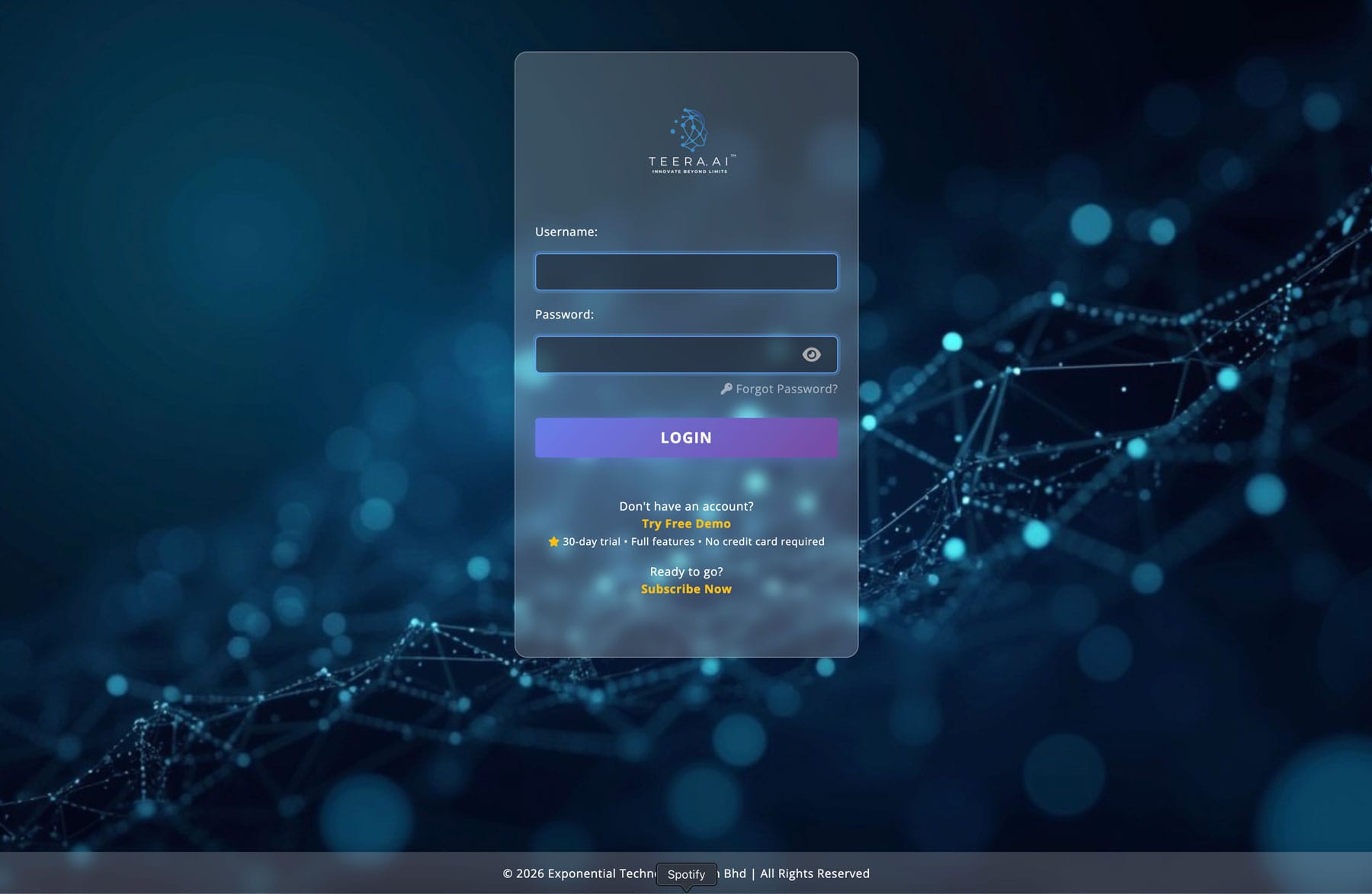
Click the login link provided in the email or go directly to: https://app.teera.ai
On the TEERA App login page ( https://app.teera.ai/ ), enter your email/username and password, then click “Log In”.
After logging in successfully, you will be redirected to your profile page.
From there, you can:
You are now ready to explore TEERA.AI.
Discover our plans, features, and exclusive benefits designed to help your business grow.